home
Site design
Introduction
Creating a page
Managing pages
Home page
Institutional Home
Impact Home
Contents Home
Free Home
Contact page
Online/Offline
Blocks (text & photo)
Images
Image zoom
Image crop
Image archives
Video
YouTube
Google.Video
Mediaplayer
Music
XSPF Web Music Player
FMP3 audio player
Animations
Links
Attachments
DWF Files
DWF Example
Contact forms
Example
Call me back service
Ask for information
Booking form
Problems
FCK editor
Expert users
Flash animations
Slideshow
Images
Anchored list
Free code
Field order
Form title
Search form
Banner
Services
Email
Client configuration
OutLook Express
WebMail
Password change
Aliases
Search engines
Domains
NS Others
DNS others
Security backups
Statistics
Glossary
Counter
E-commerce
Blocks
Administration
Payment modes
PayPal
Shipping costs
Disclaimer
Other options
Orders
Order status
Gadgets
Google Maps
Your site on Google Maps
Google Calendar
Chat
Slide.com
Flickr.com
Opinion Surveys
Deezer.com
Option panels
Block options
Page options
Home page options
Graphic options
Favicon
Higlights
Site options
Search
Managing pages
Once pages are created, you can organize them by modifying their "position" or by changing their "level"
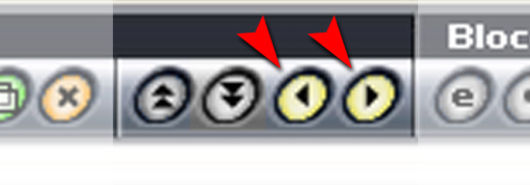
Changing position
Clicking on the two yellow arrows you can move the presently selected page before the previous one or after the next one.
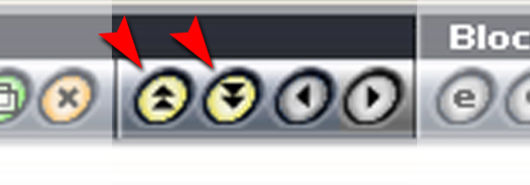
Changing level
Clicking on the yellow double arrows you can move the presently selected page under the next one or on the upper level.
How it works
|
Free trial
|
Prices
de
en
es
it
made in EditArea